Do You Need a DRO on a Surface Grinder?
Whether a digital readout earns its cost on a surface grinder: what it changes about size control, when 0.001 mm resolution is wasted, and what to buy.
- What a DRO actually changes
- The axes: get the vertical one first
- Resolution, accuracy and the difference
- When a DRO is money wasted
- DRO versus a PLC or CNC control
- Installing a DRO on an existing grinder
- FAQ
- Is a DRO worth it on a surface grinder?
- Which axis should I fit first?
- Can a DRO make my grinder more accurate?
- How accurate should a DRO be for grinding?
- Bottom line
A DRO earns its cost on a surface grinder when you grind to an absolute thickness within ±0.01 mm more than a few times a week; it does not when your work is held by a chuck and controlled by feel. The axis that pays for itself is the vertical one, because it converts "take 0.02 mm off" from a graduated handwheel reading into a number you can trust after a wheel dress. Expect USD 250–700 for a 2-axis kit and a payback period measured in weeks for anyone making parts to a drawing.
What a DRO actually changes
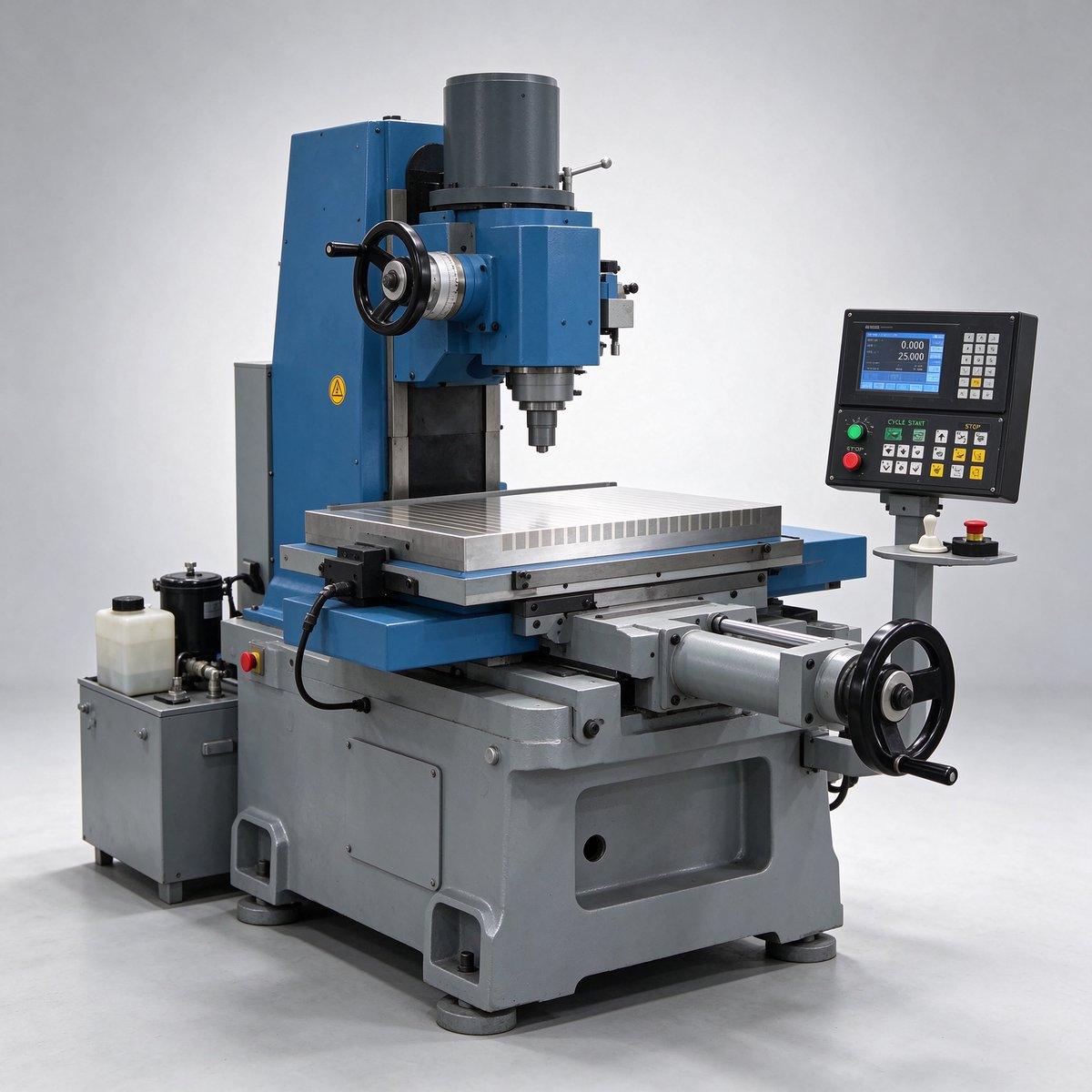
A surface grinder's handwheel is graduated in 0.005 mm or 0.002 mm and works perfectly — until you dress the wheel. Every dress removes 0.01–0.03 mm of wheel radius, and the machine's zero moves with it. From that point the graduated dial is no longer measuring the part; it is measuring the machine. A DRO on the vertical axis reads the head position directly, so the number is true regardless of how much wheel has gone.
| Job | Without DRO | With DRO (vertical axis) |
|---|---|---|
| Grind a 25.00 mm plate to ±0.01 mm | Touch off, count dial increments, check with micrometer, adjust | Set zero on touch off, dial to depth, confirm with micrometer |
| Resume a part after a wheel dress | Re-touch off, lose the previous depth reference | Position reads absolute; continue from the same number |
| Step a slot to a depth | Count increments, risk a miscount | Read the depth; one setting instead of a count |
| Repeat across 50 parts | Each part needs a touch off | Same number for every part |
| Batch with 0.005 mm tolerance | Operator-dependent, scrap risk real | Achievable with a stable machine |
That is the honest case for a DRO: it does not make a machine more accurate, it makes the operator's setting repeatable.
The axes: get the vertical one first
A 2-axis kit on a surface grinder normally covers the vertical (wheelhead) axis and the cross (infeed) axis. The longitudinal axis is usually left off, because the table stroke is not a positioning move.
- Vertical axis — the one that matters most, because it carries the depth of cut and the part thickness, and because the wheel dress changes the reference.
- Cross axis — useful for stepping a series of slots or a form at fixed pitch, and for returning to a position after dressing.
- Longitudinal — rarely worth it. The table is hydraulic or hand-driven for stroke, not position.
If budget is tight, fit a single-axis vertical DRO first. That is the axis where a miscounted dial increment becomes a scrapped part.
Resolution, accuracy and the difference
DRO specifications quote resolution (0.001 mm or 0.0005 mm) and accuracy (±0.005 mm per 300 mm, or better). Resolution is the display; accuracy is the truth. A 0.001 mm display on a scale accurate to ±0.01 mm is a false comfort.
| DRO class | Resolution | Scale accuracy | Price band | Appropriate for |
|---|---|---|---|---|
| Budget glass scale | 0.005 mm | ±0.01 mm / 300 mm | USD 250–380 | General grinding, ±0.02 mm work |
| Standard glass scale | 0.001 mm | ±0.005 mm / 300 mm | USD 350–550 | Die work, ±0.01 mm |
| Magnetic scale, high accuracy | 0.001 mm | ±0.003 mm / 300 mm | USD 500–700 | Toolroom, ±0.005 mm |
For grinding, a standard glass scale at 0.001 mm resolution and ±0.005 mm accuracy over 300 mm is the sensible middle. Magnetic scales resist coolant and grit better but cost more; glass scales need the read head kept clean, which on a grinder means a guard and a wipe at every shift.
When a DRO is money wasted
Three situations where the money is better spent elsewhere:
- Single-part, loose-tolerance work. If the callout is 0.05 mm and you make one part, the graduated dial plus a micrometer is adequate.
- Work controlled by spark and sound. Some toolroom grinding is genuinely feel-driven; a DRO does not improve it.
- A machine whose geometry is not right. A DRO on a machine with 0.03 mm of table wear reads a number you cannot hold. Fix the geometry first — the DRO amplifies the truth, including the bad news.
The trap to avoid is buying a DRO to compensate for a worn machine. The display will show 0.005 mm steps and the parts will still come out 0.02 mm out of parallel, because the error is in the ways, not in the setting.
On a PLC or CNC machine the axis position is already in the control; a retrofit DRO is for the manual and hydraulic machines that came without one.
DRO versus a PLC or CNC control
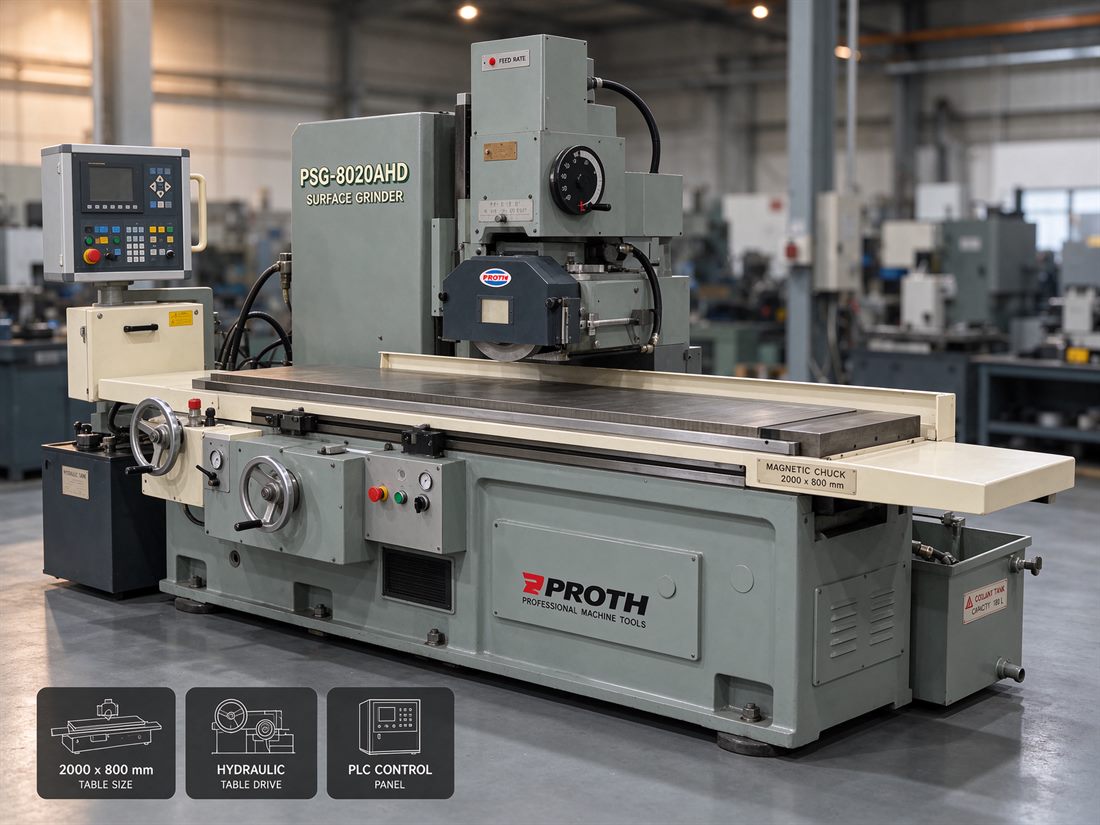
If you are buying new, the decision is not "DRO or nothing" but "DRO or a control". A DRO tells you where you are; a PLC moves you there and repeats it. The price gap is large — a PLC machine such as the PSG-9030WMS PLC surface grinder is roughly double a manual machine of the same table size — but so is the labour it removes.
The rule that fits most shops: manual machine with a vertical DRO for one-off and toolroom work; PLC machine when the batch exceeds about 20 identical parts and the tolerance is inside ±0.01 mm. A retrofit DRO on an existing manual machine is the cheapest way to improve what you already own, and it is the option most shops should take before considering a new machine.
Installing a DRO on an existing grinder
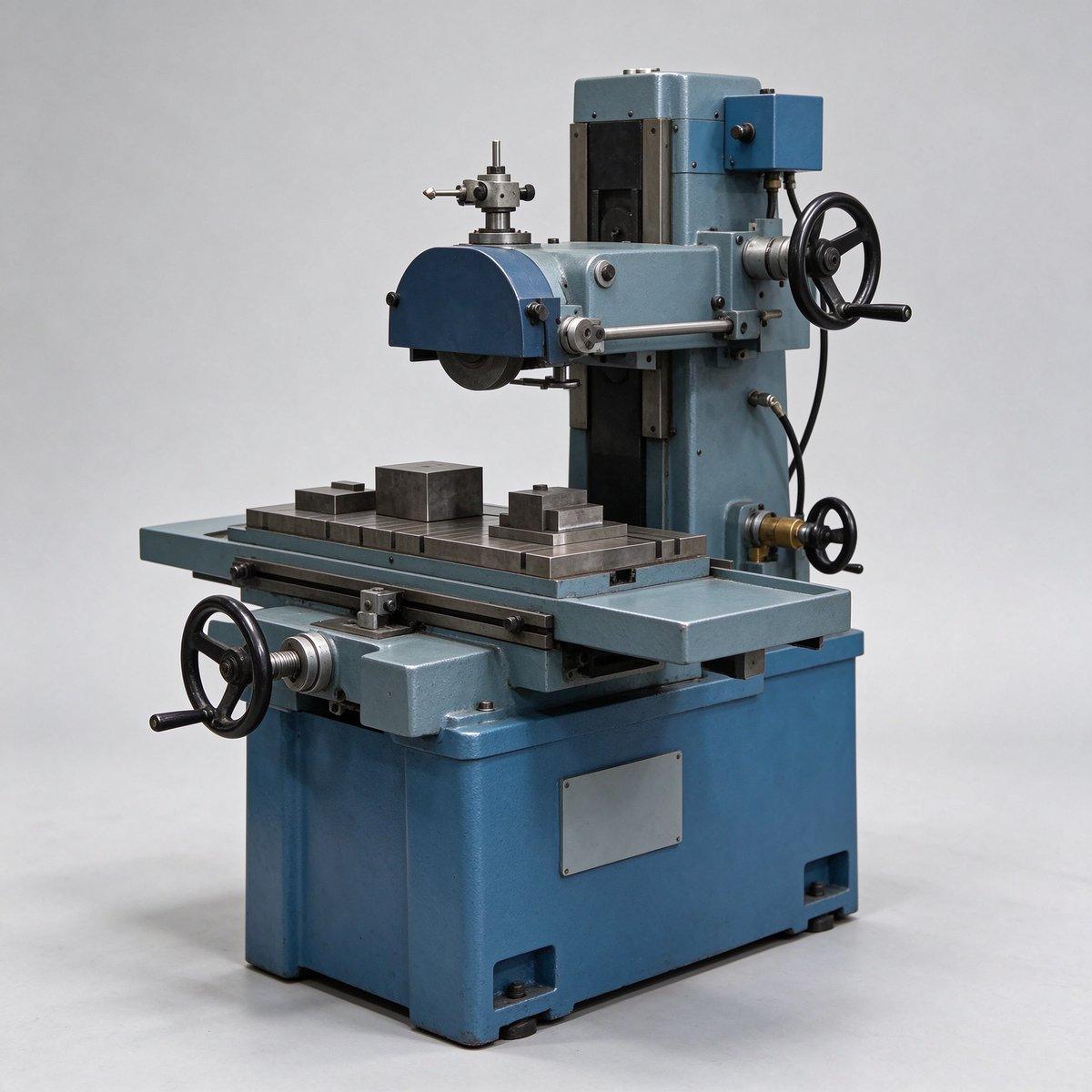
Mechanically it is a bracket job: a scale on the wheelhead column and a read head on the head casting for the vertical axis, a second pair on the cross slide. The practical constraints are space and protection. On a surface grinder the vertical scale sits where coolant mist and grit land, so it needs a guard and a periodic wipe. Align the scale to the machine's travel within 0.1 mm over its length; a scale that is skewed reads progressively wrong at the ends of travel, which is exactly where you notice it least.
Re-zero at the start of each setup, on a clean chuck face, and record the number you touched off at — that is the datum every subsequent part uses. Shops that skip the record-keeping end up re-touching off anyway and lose most of the benefit.
FAQ
Is a DRO worth it on a surface grinder?
Yes, if you hold absolute thickness to ±0.01 mm regularly and you dress the wheel often. The vertical axis is where the saving is.
Which axis should I fit first?
The vertical (wheelhead) axis. It carries depth of cut and part thickness, and it is the axis a wheel dress invalidates.
Can a DRO make my grinder more accurate?
No. It makes the setting repeatable. Accuracy comes from machine geometry, a dressed wheel and a stable spindle.
How accurate should a DRO be for grinding?
0.001 mm resolution with ±0.005 mm per 300 mm scale accuracy is sufficient for ±0.01 mm work. Below that, the machine geometry is usually the limiting factor.
Bottom line
Fit a vertical DRO if you work to absolute thickness; skip it if your work is chuck-held and feel-driven; and never use it to paper over worn ways. Tell us your tolerance and batch size and we will tell you whether a DRO retrofit, a hydraulic machine or a PLC control is the cheapest route to it. Ask which option fits your tolerance and volume.